
Quran wal AdhkarGet the app

Phone · Wear OS · Web — fully offline

القرآن والأذكار

Your daily Quran, beautifully kept.

Read in clear Uthmani script, listen to five reciters, keep a daily wird with streaks, and finish your khatm on time — with prayer times and Qibla on your phone and your wrist.

Get it on Google PlayComing soon to theApp StoreOpen in browser
Mushaf pages
604
Mushaf pages
Juz progress map
30
Juz progress map
Reciters
5
Reciters
Ads or trackers
0
Ads or trackers
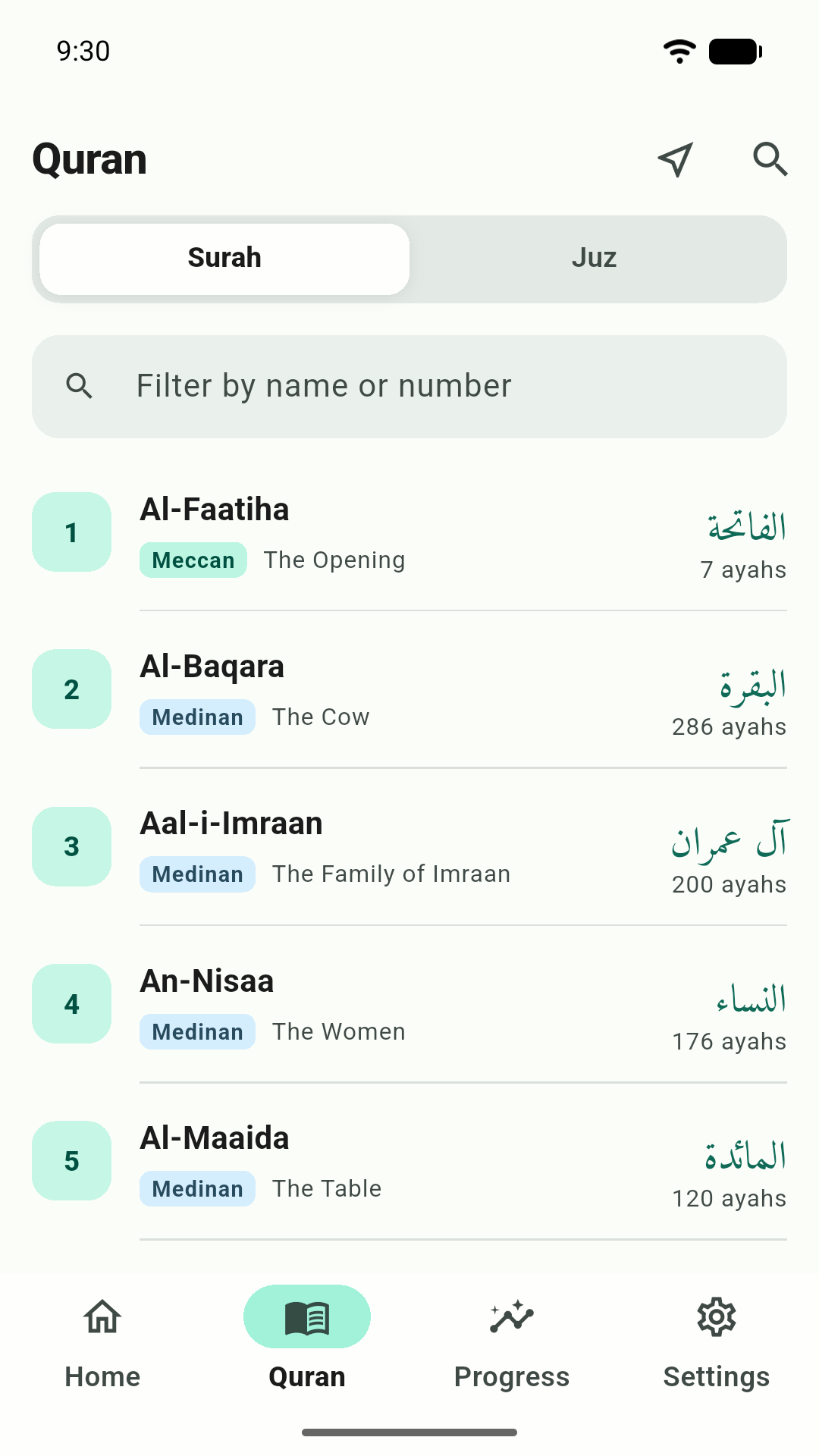
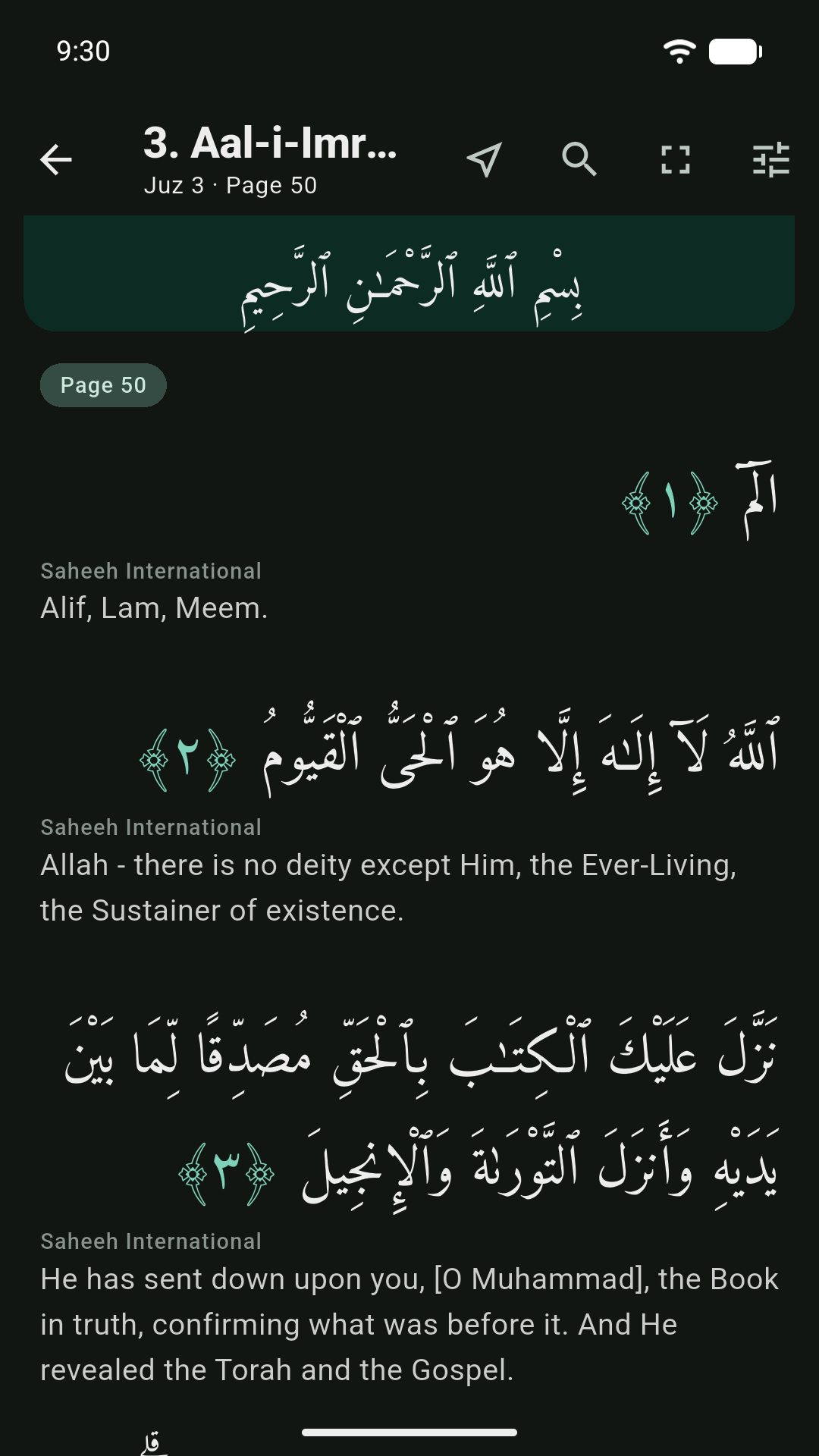
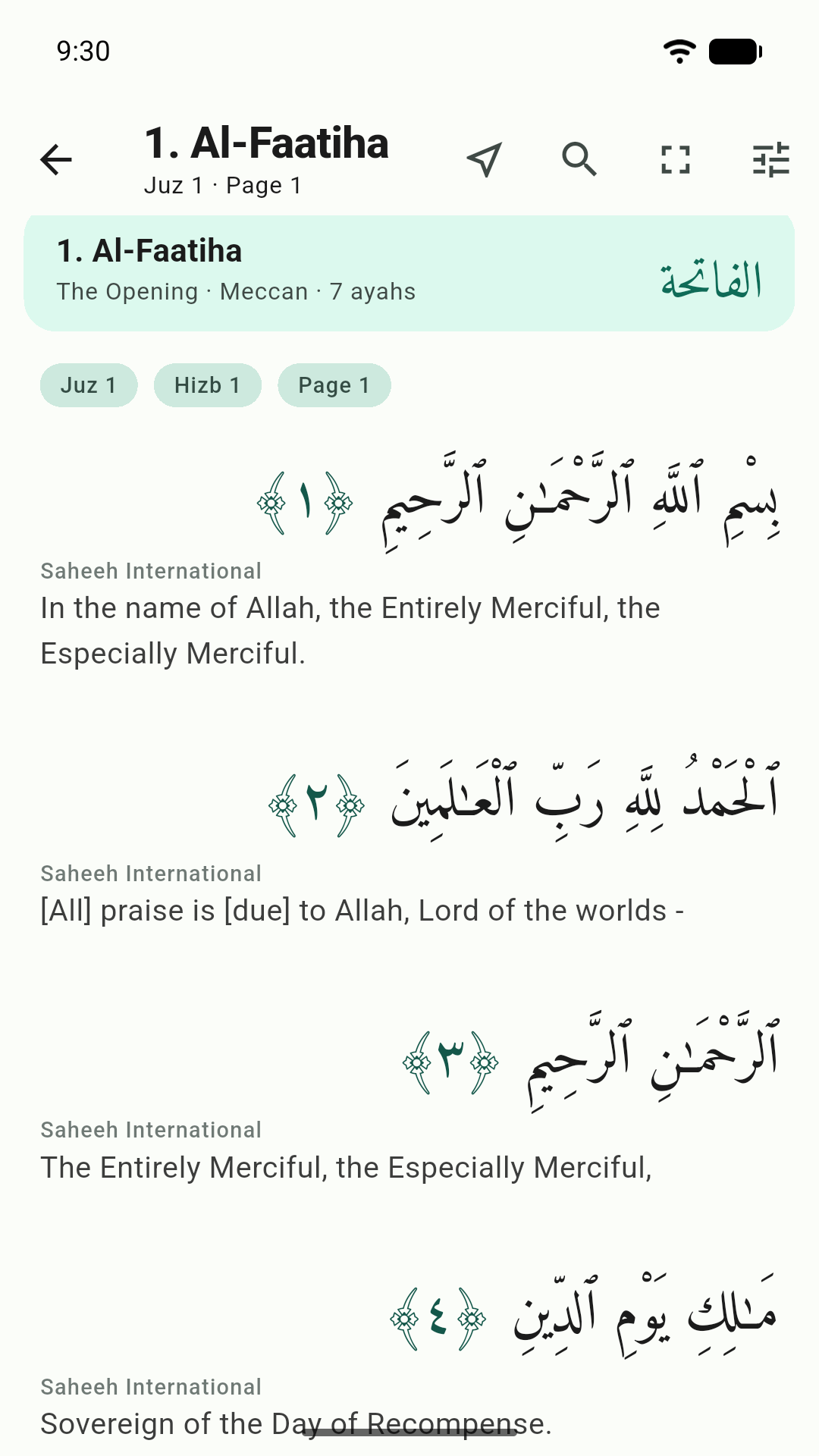
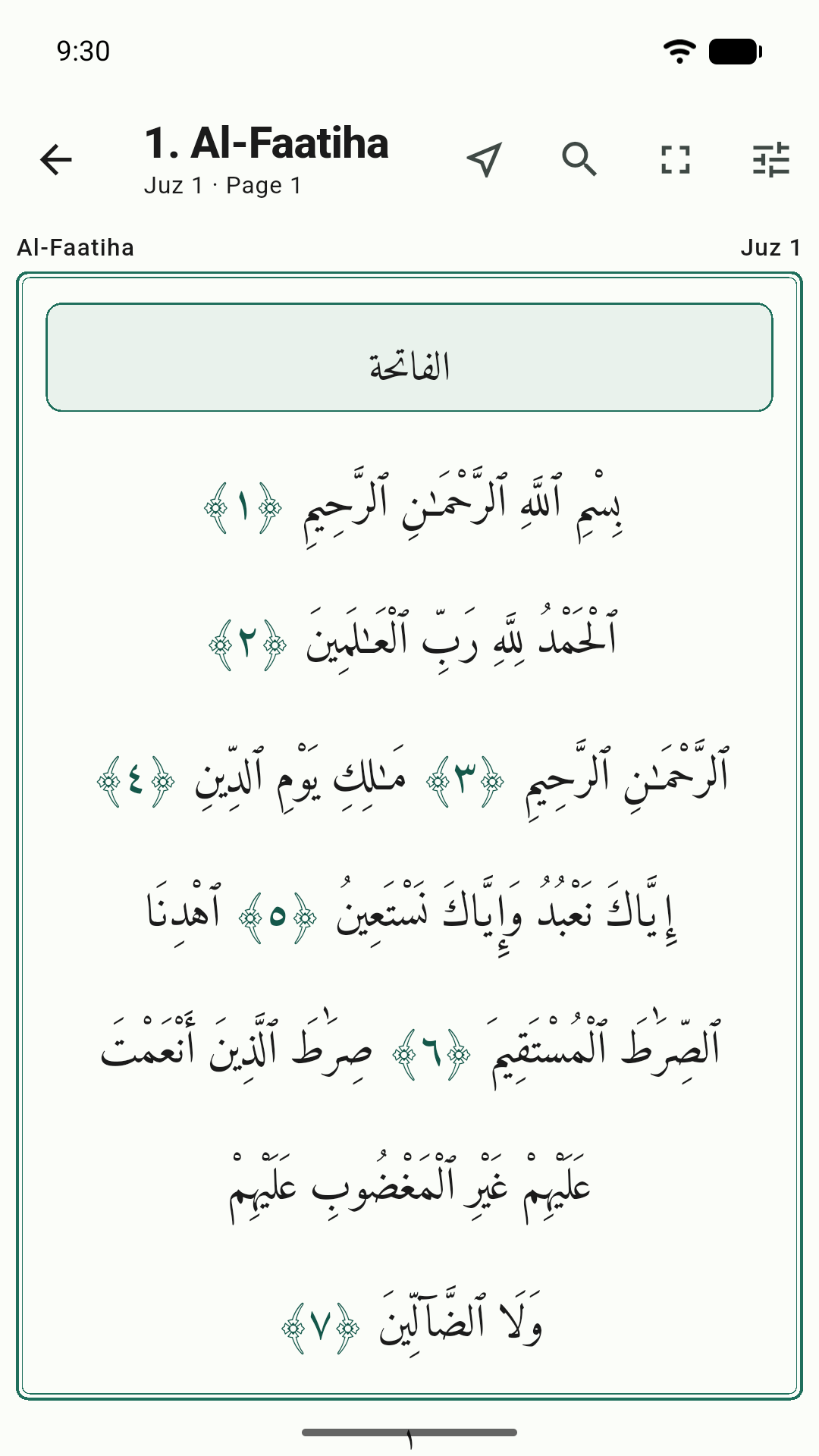
The Quran reader with Arabic text and translation
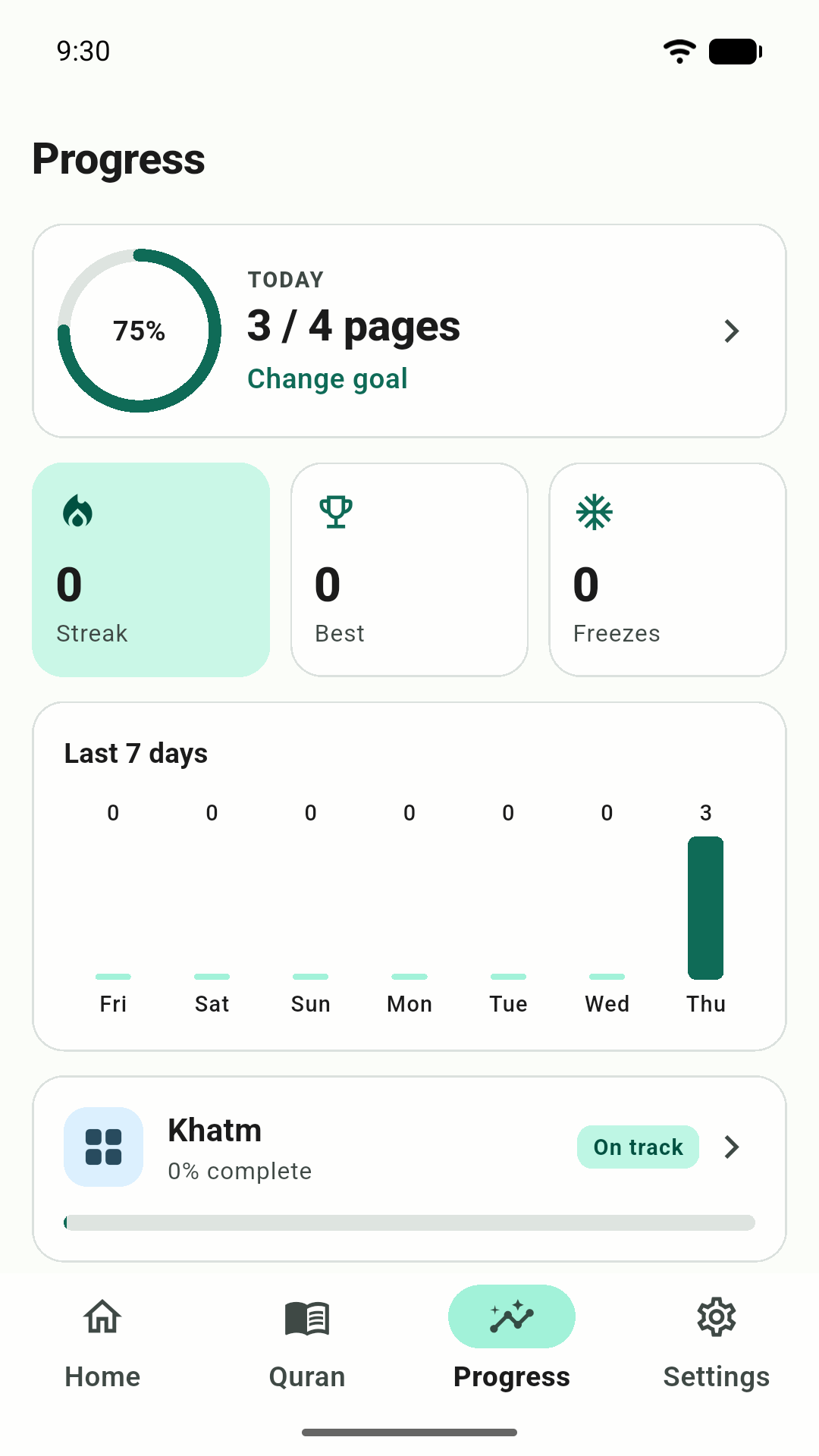
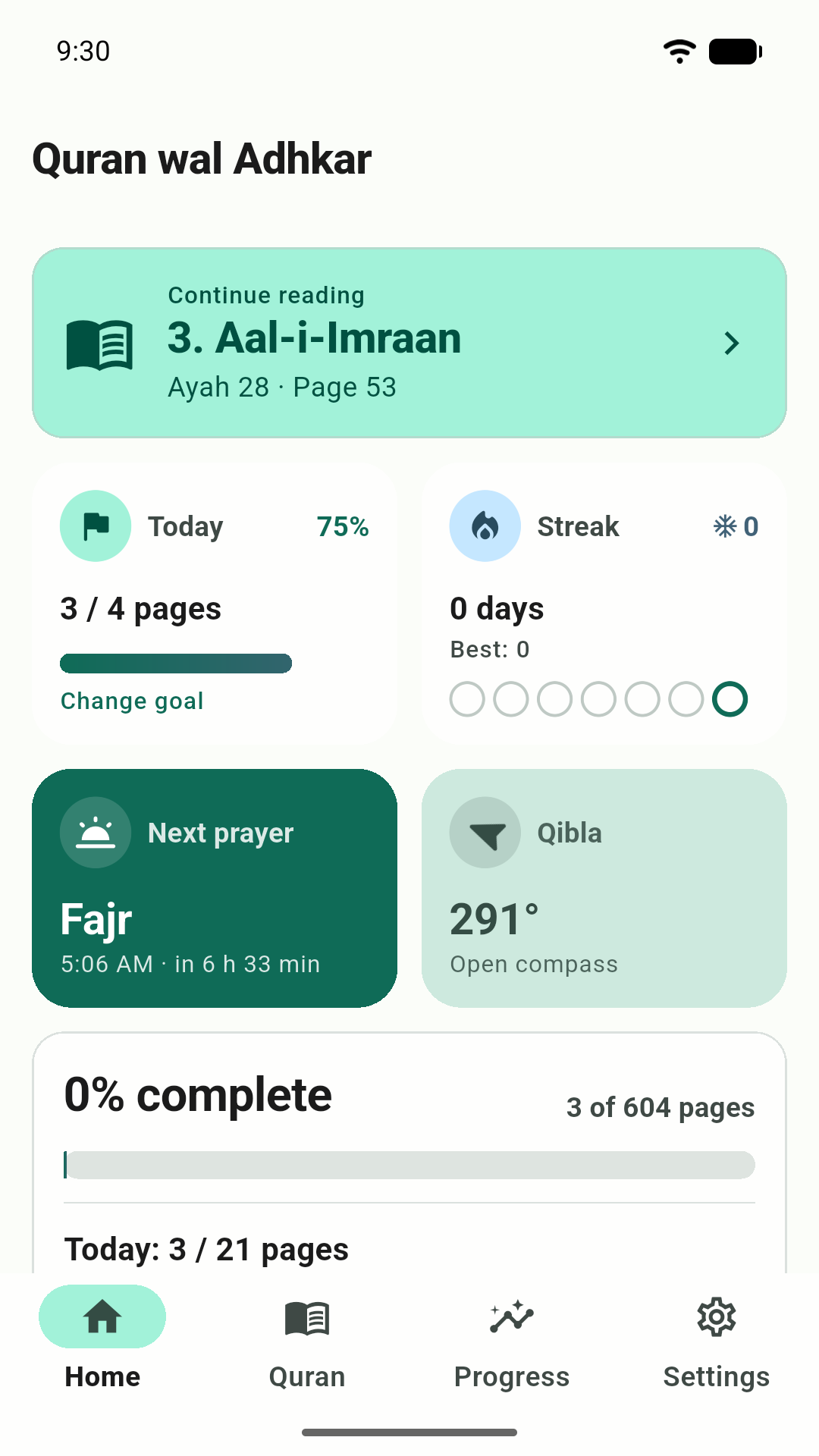
Home screen: continue reading, today's goal, streak, next prayer and Qibla
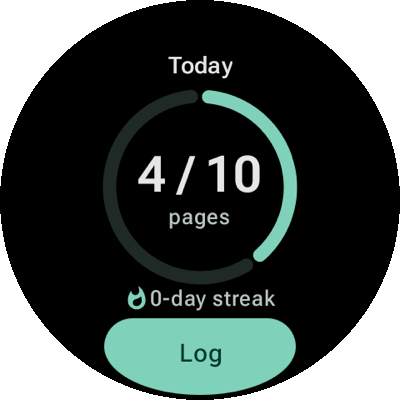
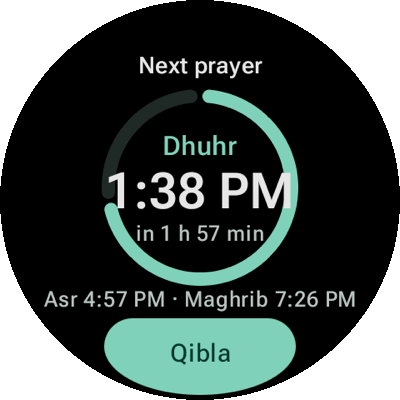
Wear OS tile showing the next prayer and a countdown
  • Uthmani script
  • 15-line Madinah Mushaf
  • English · Malayalam · Urdu · Hindi
  • Ayah-by-ayah recitation
  • Repeat for memorisation
  • Daily goal in pages, ayahs or minutes
  • Streak freezes
  • Khatm planner
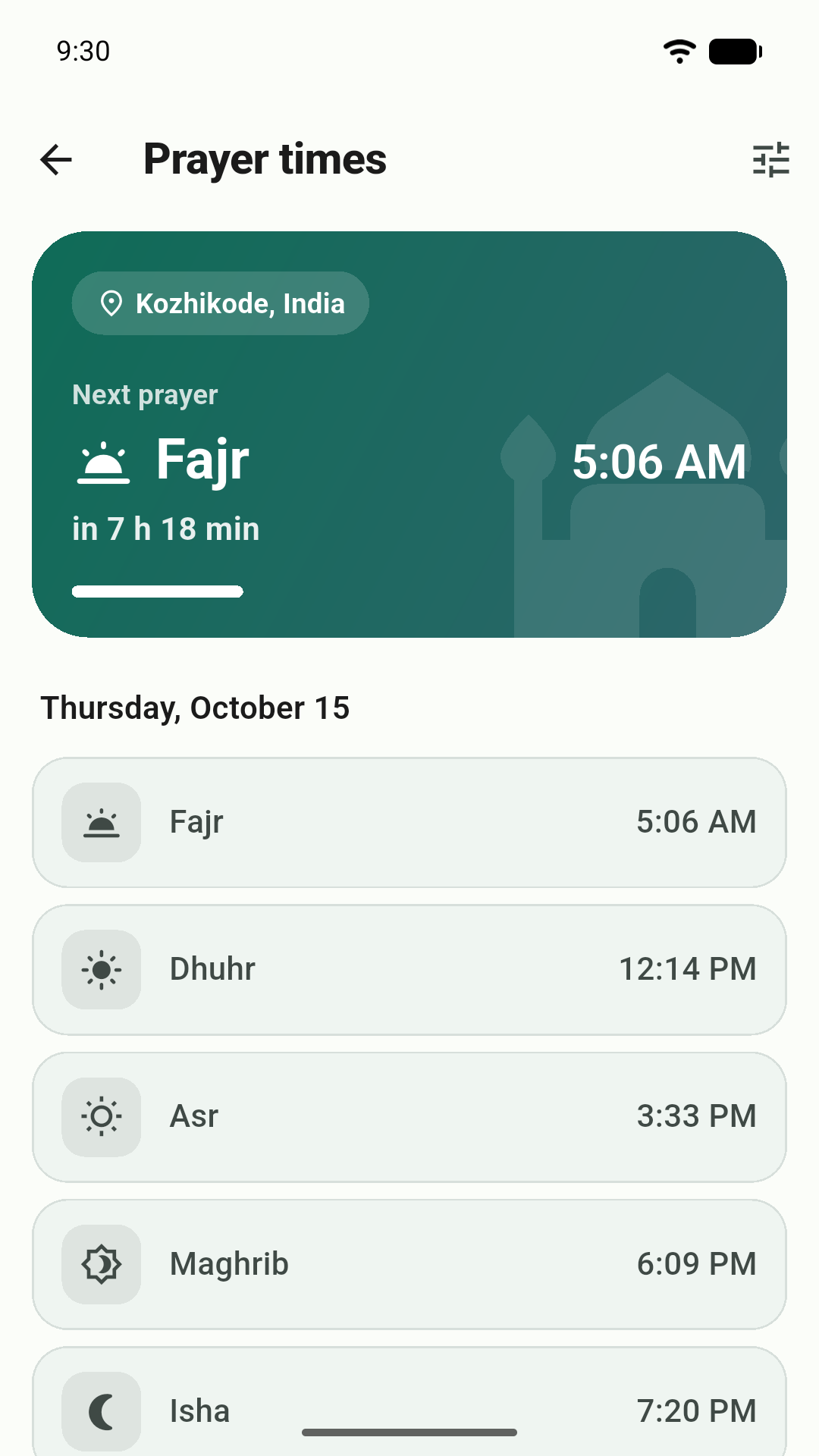
  • Prayer times
  • Qibla compass
  • Wear OS tiles
  • Works offline

Everything in one place

Built for a steady daily relationship with the Quran

Read, listen, keep your wird and complete your khatm — every piece designed to help you come back tomorrow.

Read

The complete Quran, the way you like to read it

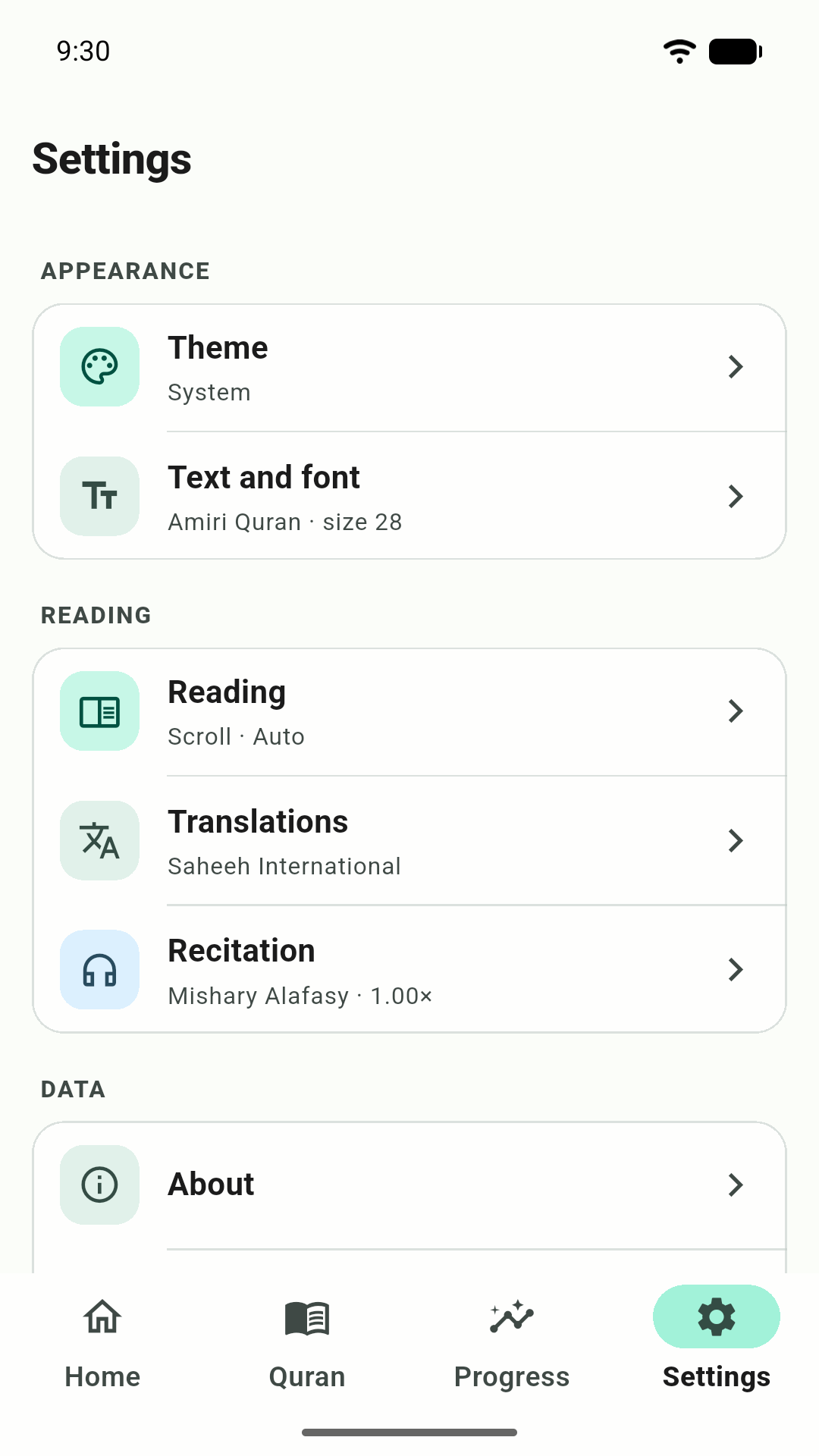
  • Clear Uthmani script — verified text from Tanzil
  • Scroll view, or the 15-line Madinah Mushaf page view
  • Open-source Quran fonts, adjustable size and line height
  • Light, dark, sepia themes and a distraction-free focus mode
  • Search the Arabic text and translations
Your daily wird

A goal that counts itself

Set it in pages, ayahs or minutes. Reading and listening are counted automatically.

Streaks

Miss a day, keep your streak

Freeze days protect your effort, so one busy day never erases a month of reading.

  1. M
  2. T
  3. W
  4. T
  5. F
  6. S
  7. S

Listen

Follow along, ayah by ayah

  • Mishary Alafasy
  • Abdul Basit
  • Al-Husary
  • Al-Minshawi
  • As-Sudais

Repeat ayahs · offline downloads · lock-screen controls

Prayer & Qibla

Prayer times and Qibla, offline

NESW

Calculated on your device. A gentle buzz on the watch when you face the Qibla.

Khatm planner

Pick a finish date. We’ll pace the way.

See today’s target, adjusted to how you are doing, and whether you are ahead or behind.

  • 30 days
  • 60 days
  • Before Ramadan
  • Your own date
  1. 1
  2. 2
  3. 3
  4. 4
  5. 5
  6. 6
  7. 7
  8. 8
  9. 9
  10. 10
  11. 11
  12. 12
  13. 13
  14. 14
  15. 15
  16. 16
  17. 17
  18. 18
  19. 19
  20. 20
  21. 21
  22. 22
  23. 23
  24. 24
  25. 25
  26. 26
  27. 27
  28. 28
  29. 29
  30. 30

The 30-Juz map

Reminders

A nudge at the right moment

Time for your wird

10 minutes after Fajr

At a time you choose, or tied to a prayer. Scheduled on your phone — no push servers.

Inside the app

Calm screens, made for reading

Swipe through the app — from your Home cards to the Mushaf page and a quiet night theme.

Swipe to see more →

Prayer tile: next prayer and countdown
Quran tile: today's pages, streak and a Log button
Asr in 10 minPrayer alert

Wear OS

Prayer, Qibla and your wird — on your wrist

Quran wal Adhkar for Wear OS works on its own, even when your phone stays in your pocket.

  • Next prayer at a glance

    Today’s five times, the next prayer and a live countdown — on a tile and a watch-face complication.

  • Prayer alerts on your wrist

    A vibration at each prayer time, with an optional heads-up before it. Choose it per prayer.

  • Qibla with a gentle buzz

    A compass needle to the Kaaba that taps your wrist when you face it. No compass? You still get the bearing.

  • Your daily goal ring

    Log pages in two taps, watch the ring fill, and keep your streak and khatm position close.

  • Tiles & complications

    A Prayer tile, a Quran tile, plus “Next prayer” and “Today’s goal” complications for your watch face.

  • Standalone — no phone needed

    Location, times, alerts and Qibla are worked out on the watch itself. Nothing leaves it.

Get it on Google Play

Install from the Play Store on your watch — it’s the same listing as the phone app.

How it works

Three steps to a lasting habit

  1. 1

    Set your daily wird

    Choose pages, ayahs or minutes — or let the khatm planner work out today’s target from your finish date.

  2. 2

    Read or listen

    Pick up exactly where you stopped. Every page you read and every ayah you hear is counted for you.

  3. 3

    Watch it add up

    Your streak grows, the Juz map fills in, and your khatm lands on the day you planned.

Private by design.We collect nothing.

Your reading, bookmarks, goals and settings live only on your device. We have no server that receives them, and we cannot see them.

  • Works offline

    Internet is used only to play or download a recitation.

  • No account

    Nothing to sign up for. Open the app and start reading.

  • No ads, no tracking

    No analytics, crash reporting or advertising SDKs.

  • Location stays put

    Prayer times are worked out on your device — or pick a city.

Questions

Good to know

Short answers to what people ask most.

Does it work without the internet?

Yes. Reading, goals, streaks, the khatm planner, prayer times and Qibla all work offline. The internet is used only when you play or download a recitation.

Do I need an account?

No. There is no account and no sign-in. Your progress stays on your device, and uninstalling the app or using Settings → Reset progress deletes it.

Which translations and reciters are included?

Translations in English (Saheeh International), Malayalam, Urdu and Hindi. Recitations by Mishary Alafasy, Abdul Basit, Al-Husary, Al-Minshawi and As-Sudais, which you can download for offline listening.

Does the Wear OS app need my phone?

No. The watch app runs on its own: it finds your location, works out prayer times, sends prayer alerts and points to the Qibla by itself. Pages you log on the watch are kept on the watch for now.

Is there an iPhone version?

It’s on its way. Until then you can use the web app in your browser.

What can the web app do?

Everything in the phone app except offline audio downloads and reminders.

Where does the Quran text come from?

The Quran text and translations are from Tanzil.net, recitations from EveryAyah.com, and the page layout from Quran.com. Full credits are in the app’s About screen.

Quran wal Adhkar app icon

Begin today. Finish your khatm.

No ads, no account — on your phone, your watch and the web.

Get it on Google PlayComing soon to theApp StoreOpen in browser